
What a Dexcom G6 Receiver Actually Does (And Why It's Still Relevant in 2026)
Before you decide to buy a Dexcom G6 receiver online, it helps to understand what you are actually paying for. A dexcom g6 receiver is a small, dedicated touchscreen device that pulls real time glucose data from your G6 transmitter and sensor, without needing a smartphone in the loop. Even though Dexcom has moved on to the G7 for new patients, millions of existing G6 users, caregivers of young children, and people in phone restricted environments like schools or certain workplaces still rely on the receiver as their primary or backup display.
Clinical evidence backs the device's value beyond convenience. Peer reviewed research published in Diabetes Technology & Therapeutics has linked consistent CGM use, including Dexcom G6 systems, to measurable reductions in A1C and fewer hypoglycemic events compared to fingerstick only monitoring. That is not a marketing claim, it is a documented clinical outcome, which is exactly why the receiver remains a trusted piece of medical equipment rather than a gadget.
Where to Buy a Dexcom G6 Receiver Online: Verified Sources Compared
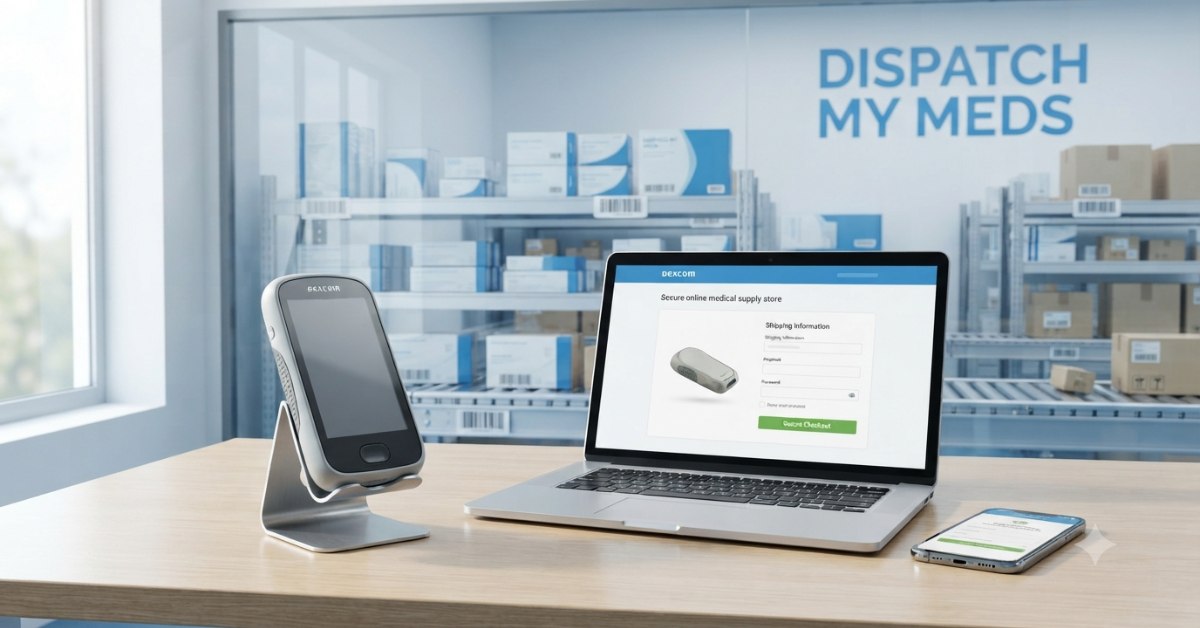
Not every website selling a "Dexcom G6 receiver" is equally trustworthy. Some list refurbished units as new, some skip the prescription requirement entirely (a red flag for a prescription device), and some are simply reselling old stock with expired warranties. If you plan to buy a Dexcom G6 receiver online, it pays to check exactly what a supplier requires before you hand over your prescription details.
| Source | Prescription Required | Insurance Billing | Typical Turnaround | Best For |
|---|---|---|---|---|
| Dispatch My Meds | Yes, verified by their team before shipping | Yes, with dedicated CGM insurance billing specialists | Processed in 1 to 2 business days, delivered in 2 to 5 business days | Buyers who want US based support and an automated monthly refill option |
Dispatch My Meds states that every device it supplies is genuine and sourced directly from the manufacturer, with no third party, counterfeit, or grey market products. The Dexcom G6 receiver is listed as available on request alongside their primary Freestyle Libre catalog, so it is worth calling or emailing their support team directly to confirm current stock before you buy a Dexcom G6 receiver online through them.
Confirm two things regardless of the seller: that the listing specifies a genuine Dexcom G6 receiver (not a G7 or a compatible receiver from another brand), and that the seller asks for a valid prescription. A legitimate seller of a prescription medical device will never skip this step.
Licensed DME supplier. We verify your insurance before your first order and ship fast across all 50 US states.
From Box to First Reading: What Actually Happens During Setup
Knowing how to set up a Dexcom G6 receiver correctly the first time saves you from restarting the whole process halfway through. Once you buy a Dexcom G6 receiver online and it arrives, setup takes about ten minutes if you follow the sequence in order rather than jumping around the touchscreen menus.
- Charge it fully first. Plug the receiver into the included USB cable for at least one hour before powering it on. A partially charged unit can fail mid setup and force you to restart the pairing process.
- Power on and select your language and date settings. The receiver will prompt you through basic preferences before asking for transmitter details.
- Locate your transmitter's serial number. This is printed on the transmitter box, not the receiver box, which is where most people get stuck. It is a six character code starting with a letter.
- Enter the serial number manually or scan the QR code printed on the transmitter packaging using the receiver's built in scanner.
- Insert or apply your sensor on the back of your upper arm or abdomen, following the applicator instructions, then connect the transmitter to the sensor pod.
- Wait through the two hour warm up period. The receiver will show "Sensor Warmup" during this time; readings will not appear until it completes.
- Calibrate only if prompted. The G6 is designed to require zero routine fingersticks, so calibration requests usually only appear if the receiver flags a sensor issue.
If you are replacing an old receiver but keeping the same sensor session running, you do not need to restart the sensor. Simply enter the same transmitter serial number on the new receiver and it will sync to the existing session without a new warm up period.
The Manual Nobody Reads Until Something Breaks
Consider this the Dexcom G6 receiver user manual explained in plain English, because the official manual is technically complete but written for compliance, not clarity. Here is what the dense sections actually mean for daily use.
- Alert profiles. The manual buries this, but you can create multiple alert profiles (for example, a "School" profile with quieter alerts and a "Home" profile with louder ones) and switch between them without reconfiguring every threshold manually each time.
- The "Signal Loss" warning. This does not always mean device failure. It most commonly means the receiver is more than 20 feet from the transmitter, or there is significant interference from another wireless device nearby. Moving the receiver closer usually resolves it within a few minutes.
- Data storage limits. The receiver stores 30 days of glucose data. If you use Dexcom Clarity for long term trend reports, you need to upload data via USB before that 30 day window rolls over, or older readings are overwritten permanently.
- Acetaminophen interference note. The manual mentions that acetaminophen (Tylenol) can falsely elevate glucose readings on earlier CGM models, but the G6 specifically includes acetaminophen blocking technology, meaning this is one interference issue the G6 was engineered to solve, unlike some older glucose monitoring systems.
When Your Receiver Acts Up: Real Fixes, Not Guesswork
Here is a rundown of common Dexcom G6 receiver problems and fixes, based on documented troubleshooting patterns rather than guesswork.
Is it safe to buy a Dexcom G6 receiver from a third party website?
Can I use the Dexcom G6 receiver without using my smartphone?
Does insurance cover a replacement Dexcom G6 receiver?
How long does a Dexcom G6 receiver last before needing replacement?
If you decide to buy a Dexcom G6 receiver online today, stick to sources that require a prescription, follow the setup sequence in order, and treat the troubleshooting steps above as your first stop before assuming the worst. A properly sourced, properly set up receiver should give you years of dependable, fingerstick free glucose tracking.
This article is for informational purposes only and does not replace guidance from your healthcare provider or Dexcom's official support team. Always follow the official Instructions for Use included with your device.